# Integrating Bootstrap Themes from startbootstrap
# Choosing a Templates
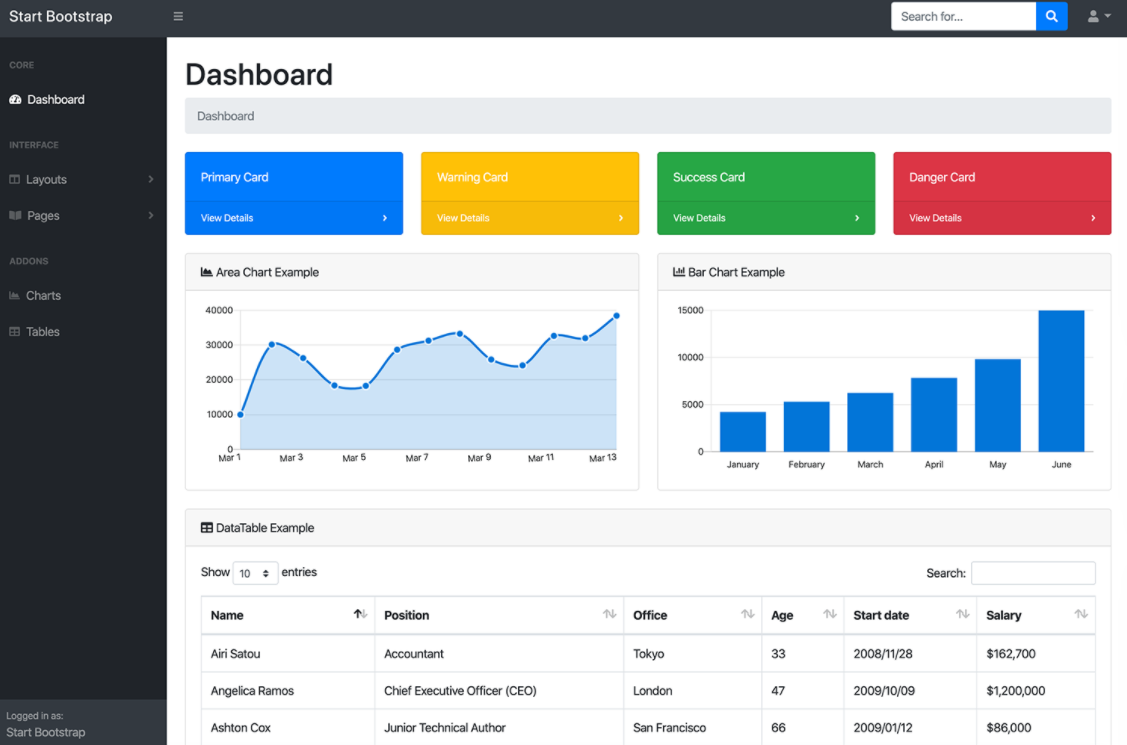
# Integrate Bootstrap with Blade templating
Integrate with Bootstrap template
• Create a folder on resources/views named admin
• Create a folder on resources/views/admin named includes and layouts
• Create files on resources/views/admin/includes named:
footer.blade.php
sidebar.blade.php
navbar.blade.php
• Create files on resources/views/admin/layouts named:
main.blade.php
Adding Assets
• Move all assets to public path.
• Copy index.html to resources/views/admin/layouts/main.blade.php
• Change local call assets using asset
From:<script src="js/scripts.js"></script>
To:<script src="{!! asset('js/scripts.js') !!}"></script>
- Find
<footer>to</footer>tag then cut and paste to footer.blade.php
put @include('admin.includes.footer’) on the cut area
- Find
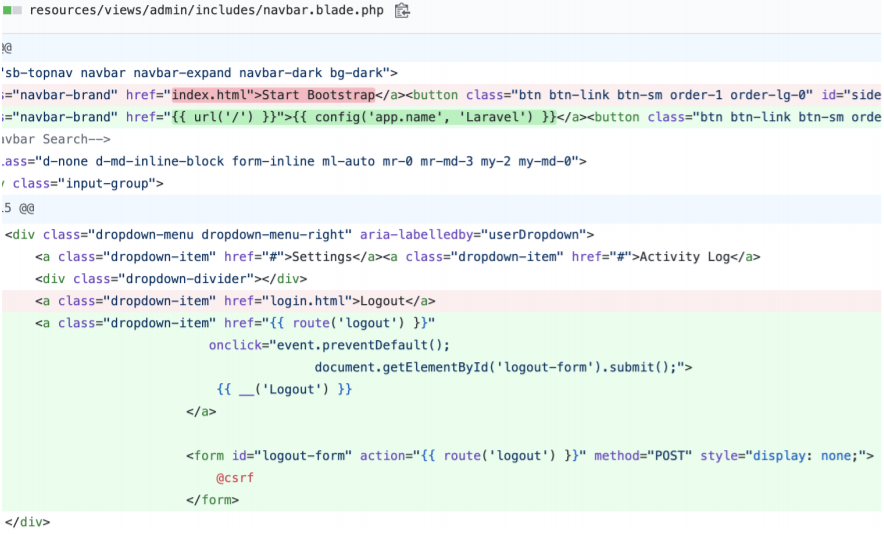
<navbar>to</navbar>with top navbar class then cut and paste to navbar.blade.php
put @include('admin.includes.navbar’) on the cut area
- Find
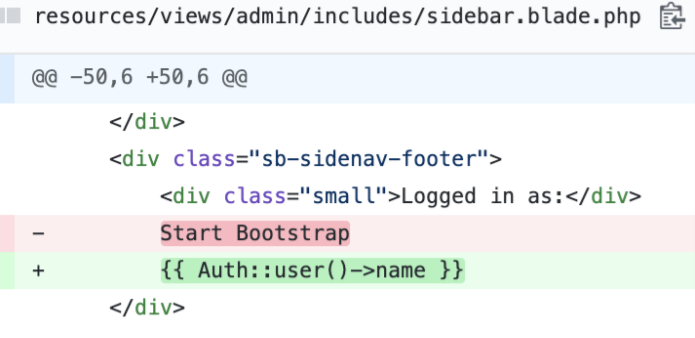
<navbar>to</navbar>with sidebarclass then cut and paste to sidebar.blade.php
put @include('admin.includes.sidebar’) on the cut area
- Find
<main>to</main>tag and replace the content only with @yield('content')
Go to resources/views/trainings/
Changes on all blade file
From: @extends('layouts.app’)
To: @extends('admin.layouts.main')
# Update NavBar
# Update Sidebar